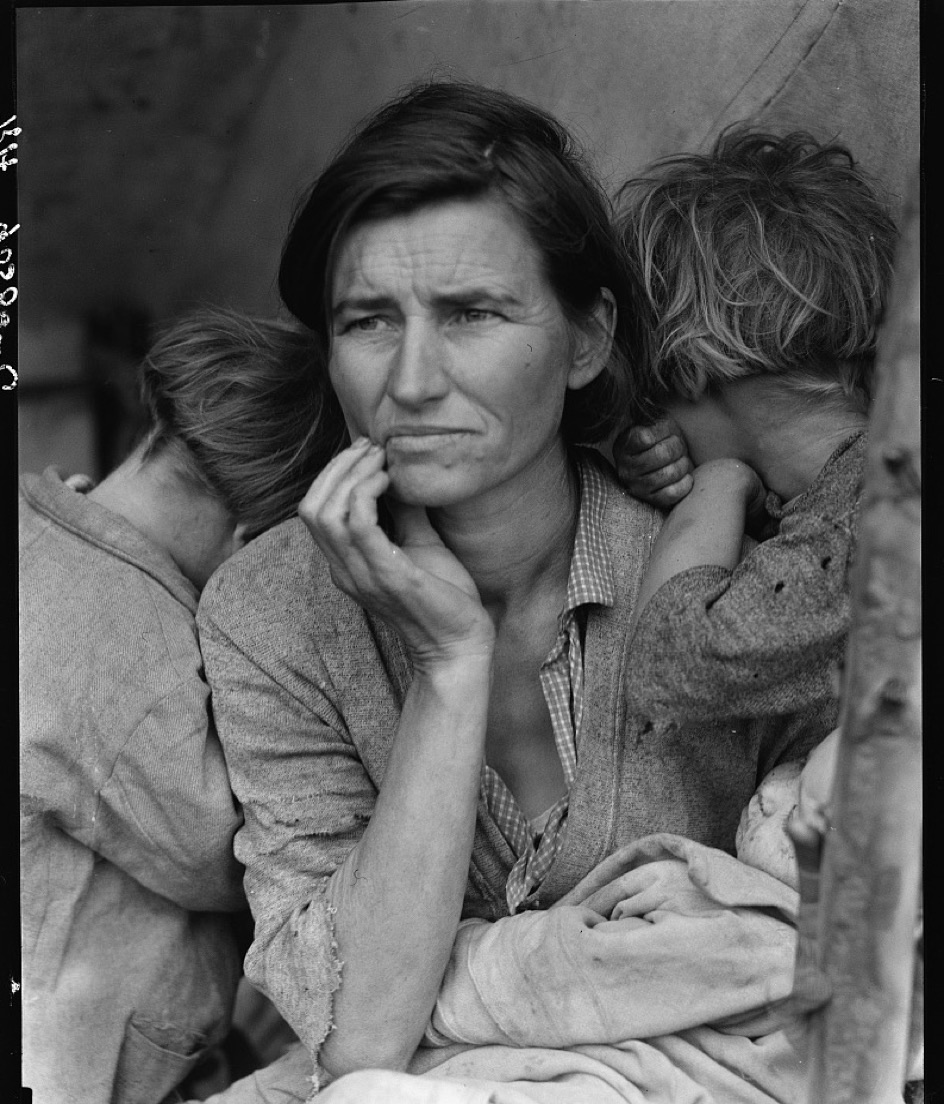
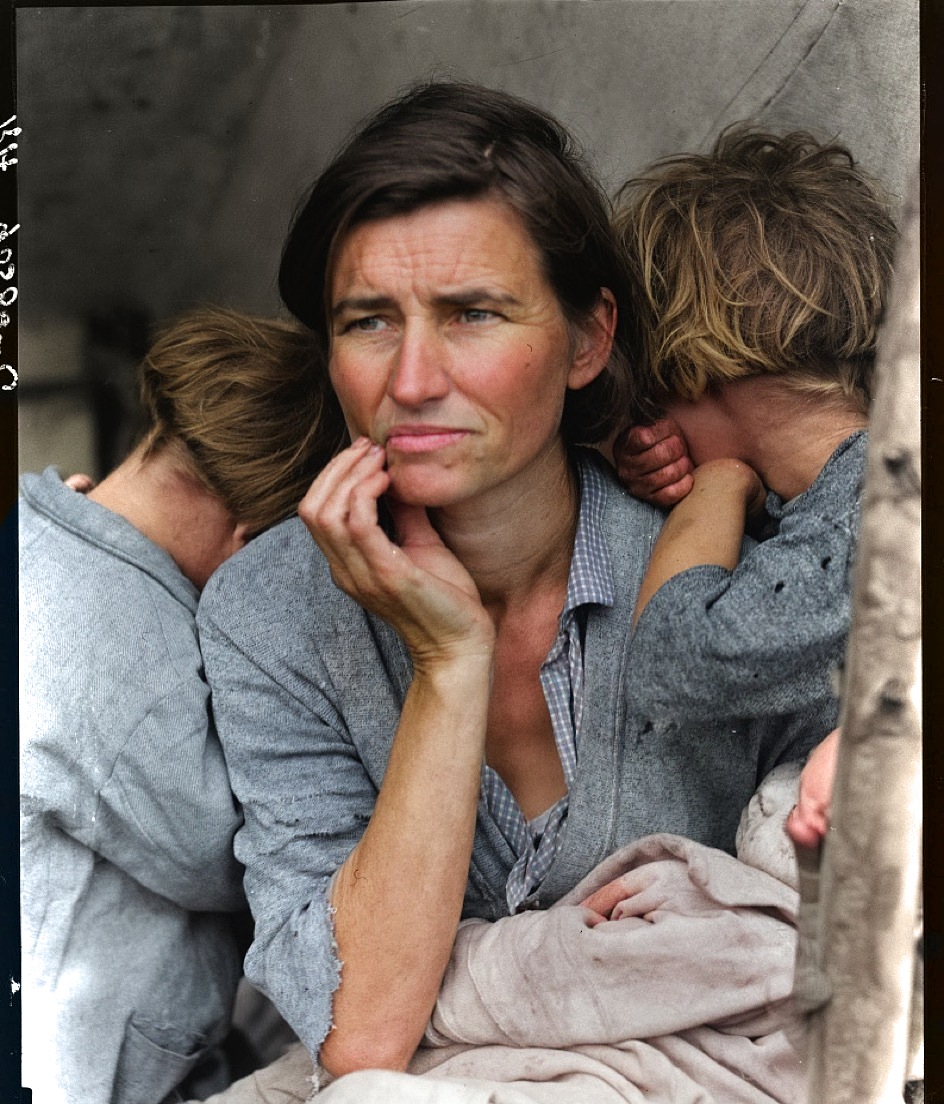
Repair tears and scratches, sharpen faces, and bring black-and-white memories back in colour.
Choose a photo JPEG, PNG or HEIC — free to tryDrag anywhere on the photo to compare · Dorothea Lange, 1936 · Library of Congress
One app for the whole recovery — from a quick one-tap fix to careful, tool-by-tool restoration.
One tap — Magic repairs the damage, then adds colour without redrawing anyone, so the people in your photo still look like themselves. Sideways photos are turned the right way up.
Sharpen soft, blurry faces and bring back natural detail and expression.
Heal scratches, tears, creases, water stains, and missing corners.
Turn black-and-white photos into believable, natural color.
Know what colour her dress really was? Tap it and choose — only the colour changes, never the photo.
Enlarge small or low-resolution photos with crisp, added detail.
Cleanly cut out the subject and drop the background.
Paint over anything you want gone and let AI fill it in.
Describe the fix in your own words and let Photospital handle it.
Bring a still photo to life as a short, gently moving video clip.
Order a real print of any photo — framed or on canvas — and it arrives in the mail.
Turn a restored photo into a birthday, anniversary or thank-you card with your own note — send it, or have it printed and mailed straight to them.
Send a before & after link anyone can open — no app needed. Links are deleted after 30 days, or whenever you remove them.
No editing skills required. Three taps from faded to framed.
Choose a photo from your library, or scan a whole album page — Photospital finds and crops each print for you.
Tap Magic for a full restore, or pick a single tool. Restore many at once with Batch.
Save the result, send family a before & after link they can slide, or order a real print — to your door or theirs.
Real results, straight from the app.
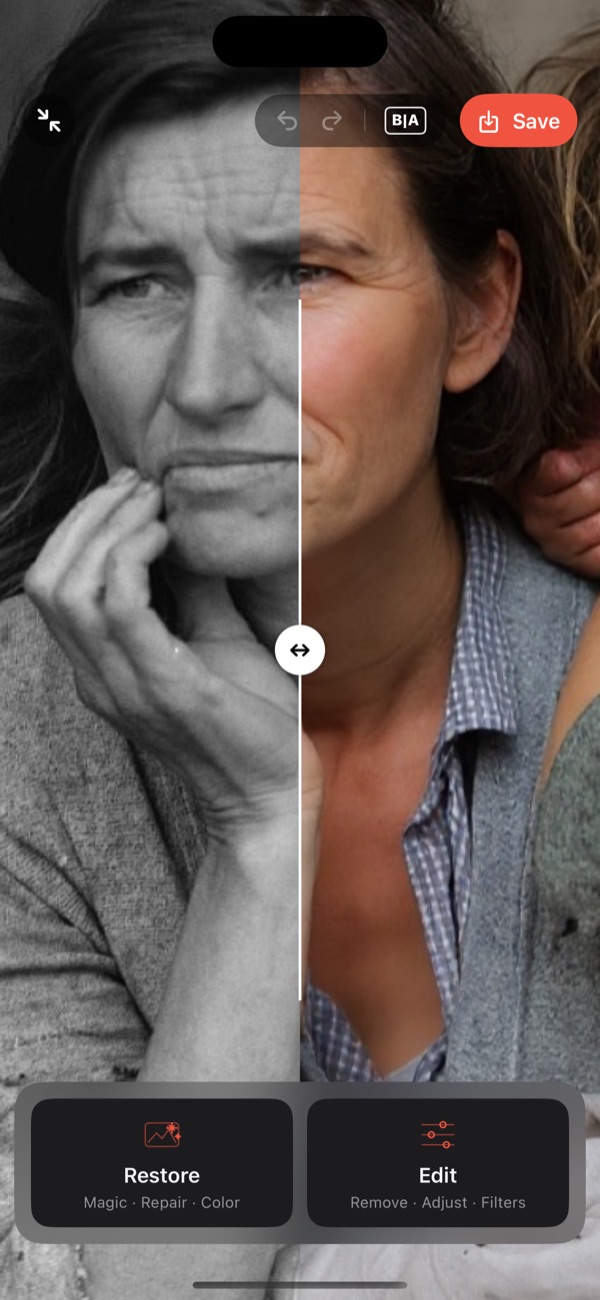
Drag the divider to compare the original with the restored result.
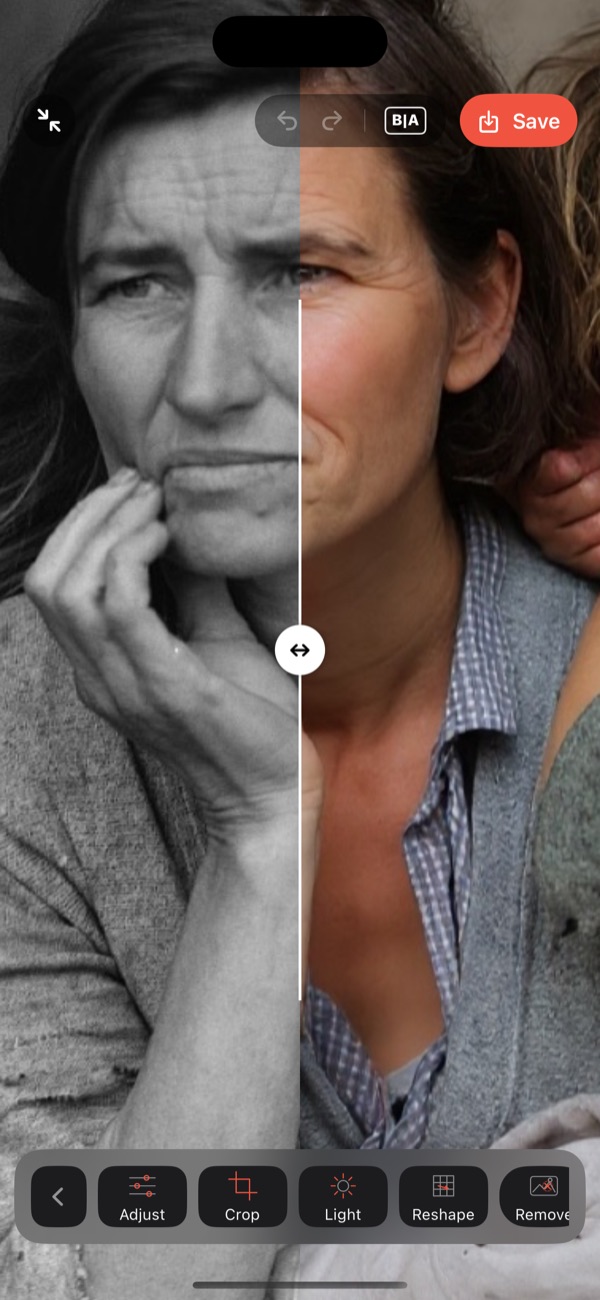
Adjust, crop, light, reshape and erase — tools float over the photo.
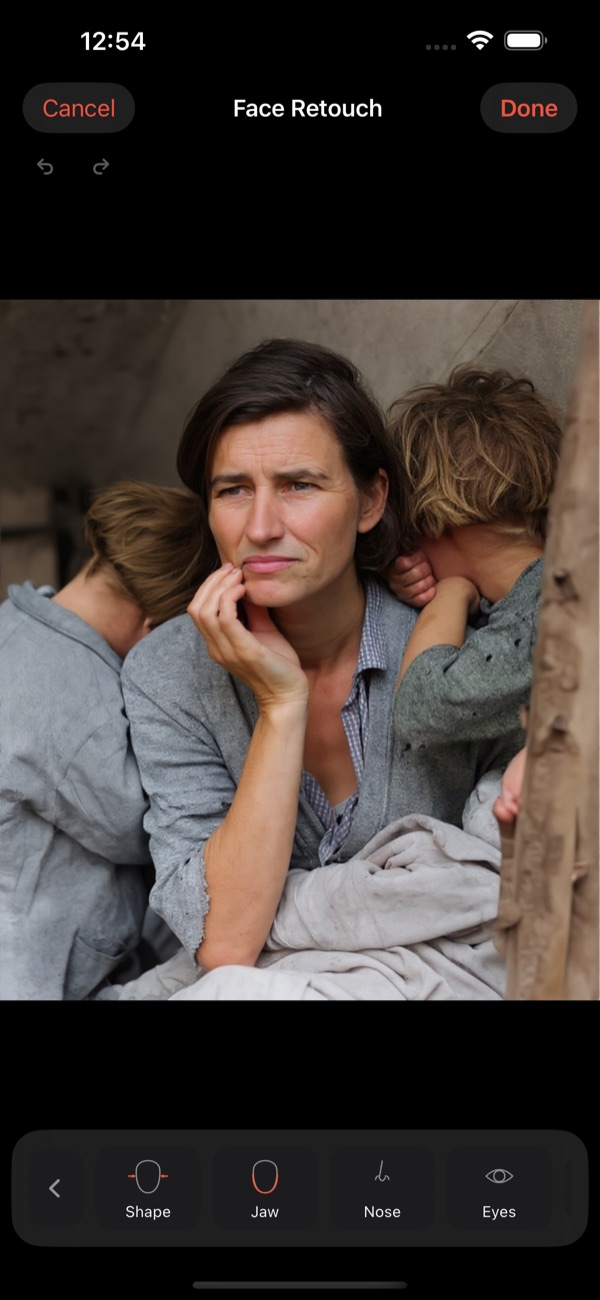
Jaw, nose, eyes, lips and brows — each with its own controls.
Some photos belong on a wall. Order a real print of any photo in your library — restored or exactly as it is — and it arrives in the mail.
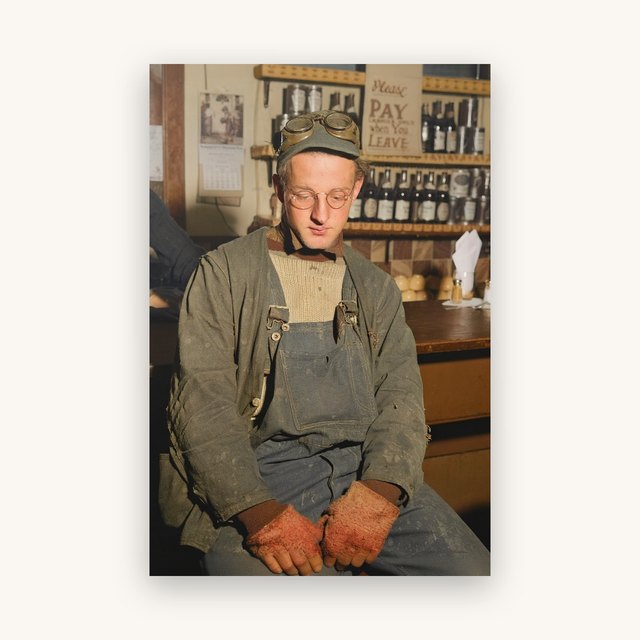
Lustre (satin) finish — no glare, no fingerprints.
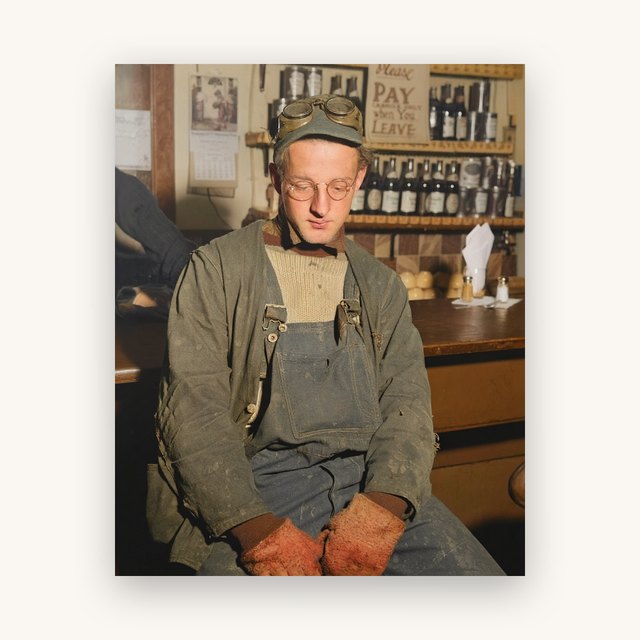
Lustre (satin) finish — no glare, no fingerprints.
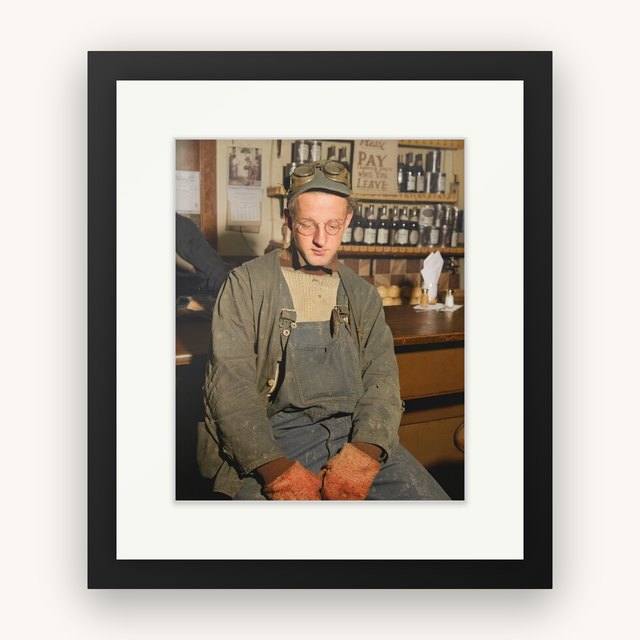
Matte fine-art paper, white mat, acrylic glazing, black classic frame.
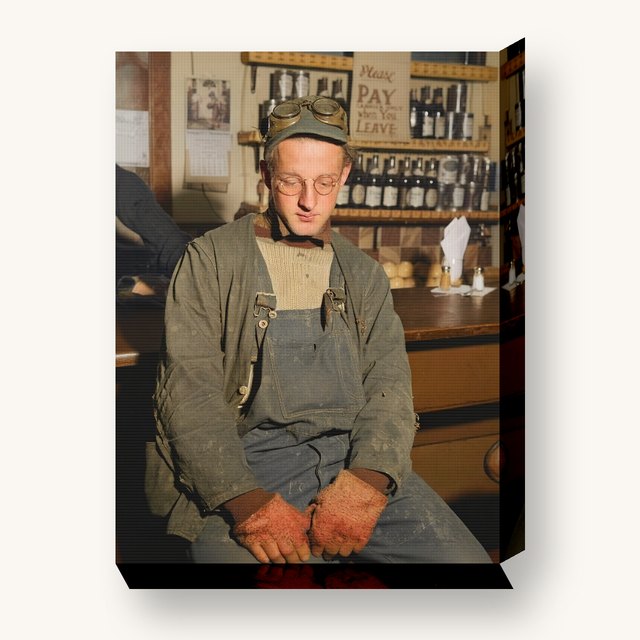
Textured canvas, satin finish, mirrored edges — ready to hang.
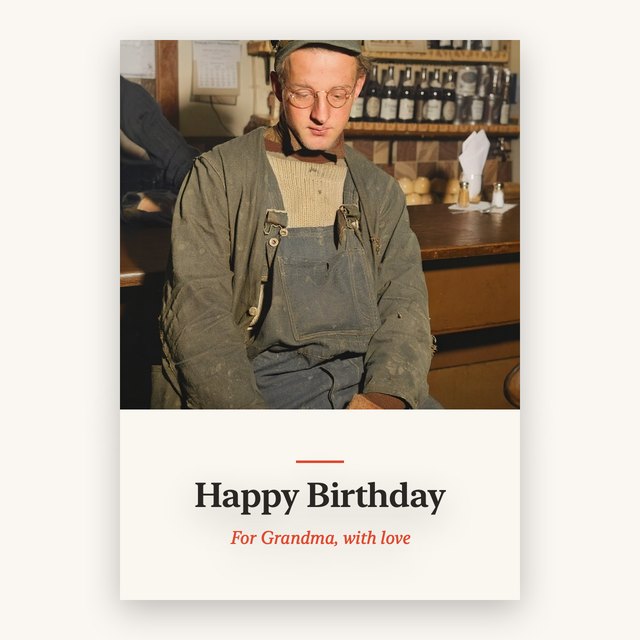
Your photo and a personal note on lustre stock — mailed to you, or straight to them as a gift.
Start with a 3-day free trial. Cancel anytime in your Apple ID settings.
Photospital Pro unlocks all AI tools. Prints are ordered separately, à la carte — no subscription needed.
Yes. There are no accounts and no tracking. Your photo is sent securely to our AI provider only to produce your result, and it isn't stored on our servers afterward — the only exception is a photo you choose to send to print. Your restoration history stays on your device. See our Privacy Policy for details.
Often, yes — Repair Damage is built for scratches, tears, creases, stains, and missing corners, and you can stack tools (repair, then enhance faces, then colorize) for tough cases. AI results vary by photo, so some heavily damaged originals come out better than others, but most see a real improvement.
The AI restore tools are part of Photospital Pro, which starts with a 3-day free trial ($4.99/month or $29.99/year). You can cancel anytime before the trial ends in your Apple ID settings.
Yes — and the photo doesn't need to be restored first. Tap Print on the home screen, pick any photo, and order a 4×6 ($4.99), an 8×10 ($9.99), a framed 8×10 ($59.99), or a 12×16 canvas ($59.99). Pay with Apple Pay; shipping is priced for your order at checkout (from $6.99 for prints, more for framed and canvas pieces) and ships within the United States for now. Prints are paid for à la carte and don't require a subscription, and no print or printed card ever carries the Photospital logo or a watermark — even if the photo you saved from the free version has one, the app takes it out before printing. If you have a coupon code, enter it at checkout. Prints are made to order, so once you pay the order goes straight to the printer and can't be cancelled or refunded — if one arrives damaged, we reprint it free.
Photospital is now on the App Store. Bring your faded, torn, and black-and-white memories back to life.
 Photospital